
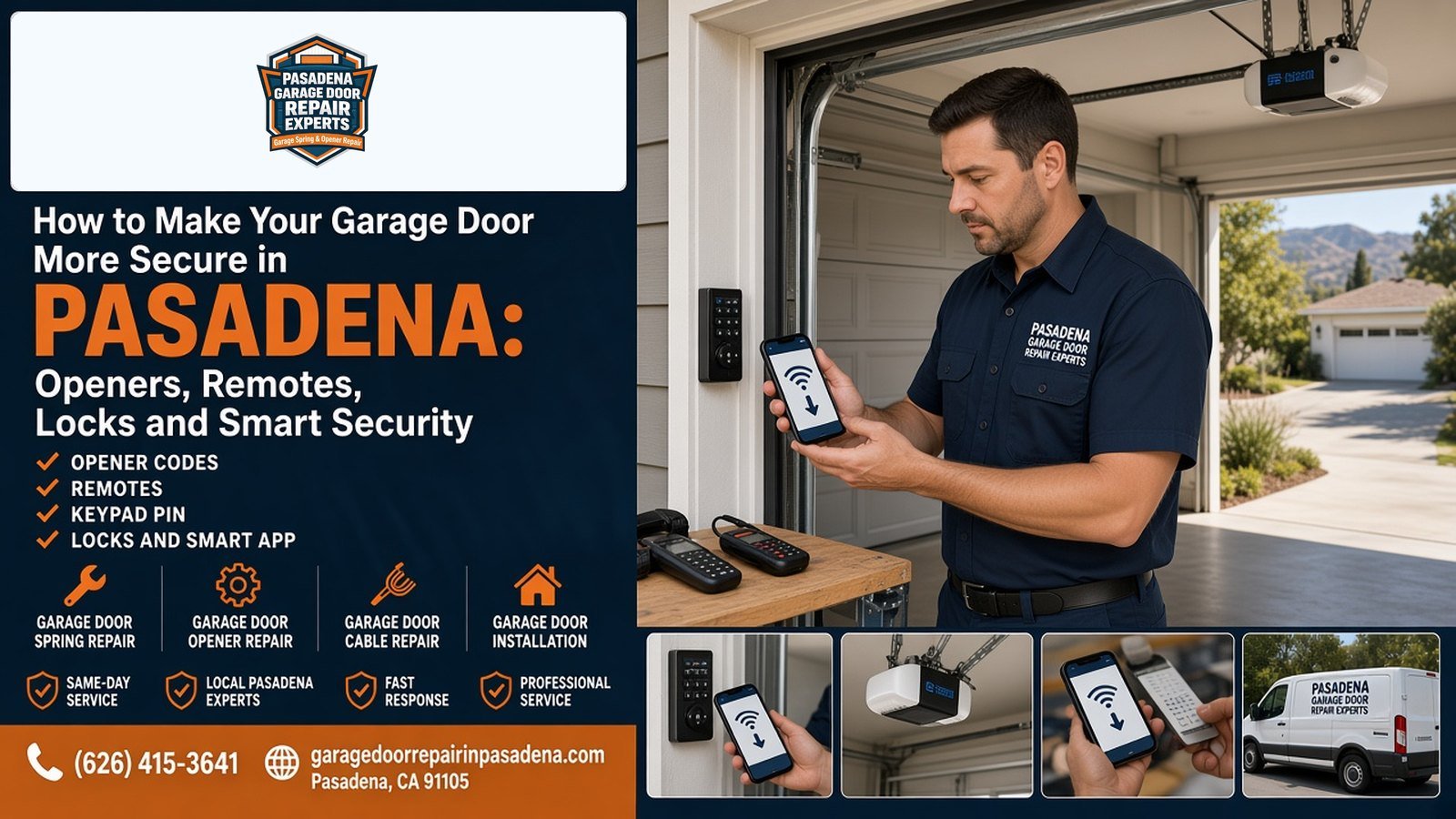
How to Make Your Garage Door More Secure in Pasadena: Openers, Remotes, Locks and Smart Security
A garage door is often the largest moving opening on a Pasadena house, and it is only as secure as the opener, remotes, keypad, locks, and app accounts attached to it. A solid door with an old fixed-code opener, a lost remote that still works, or a slide bolt the opener can tear through is not a secure door. Most of the useful upgrades are checks and settings, not a full door replacement.
This guide walks through what actually controls access: the radio codes, the keypad PIN, locks that are compatible with an automatic opener, the emergency release, and smartphone controls. It is a security checklist, not a buying guide for Wi-Fi openers; for that comparison, see our article on whether smart garage door openers are worth it in Pasadena. For help going through the system on your door, call Pasadena Garage Door Repair Experts at (626) 415-3641. You get the exact price after the check-up and before any work starts.
Quick Answer: How Do You Make a Garage Door More Secure?
Short answer: Clear the opener's memory and reprogram only the remotes you still have, change the keypad PIN, and remove anyone who should no longer have app access. Use a lock made for an automatic door, or the lock button on the wall control; do not leave a slide bolt engaged on a door the opener still controls. Add a shield or a keyed cover so the red emergency handle cannot be reached from outside, keep the photo-eye sensors working, and close the door when you are away. Call (626) 415-3641 if you want the system checked in Pasadena.
Opener Codes and Lost Remotes
Every remote and keypad talks to the opener with a radio code. On many older machines, that code is fixed, sometimes set with dip switches. Anyone who copies or finds a matching remote can open the door. Current LiftMaster systems described as Security+ 2.0 send a new code with each press, so a recorded click cannot be replayed. If your opener is old enough to have visible dip switches, or the remotes still work after you thought you "changed the code," treat an upgrade as a security item, not just a convenience item.
A lost remote is a more common problem than a cloned one. Changing the keypad PIN does not turn that remote off. On typical LiftMaster and Chamberlain units, you press and hold the Learn button on the motor until the LED goes out. That clears every remote and keypad in memory. You then program back only the remotes that are still in your hand, plus the keypad. Have those remotes ready before you start, and confirm you have another way into the house.
If a button on a visor remote is stuck, or a wall control is being pressed by a storage box, the door can move without anyone meaning to. That is a different problem from a missing remote, and it is covered in our guide to why a garage door opens by itself. After you find the cause, it is still worth clearing and relearning remotes so you know the list is current.
Keypad PINs and Shared Access
A wireless keypad on the jamb is useful, and it is also a code that can be borrowed or read off worn buttons. Change the PIN when a contractor, house sitter, or tenant no longer needs it. Chamberlain's instructions for many of its keypads are: enter the current PIN, hold # until the opener light blinks twice, enter a new four-digit PIN, and press ENTER. Your model may differ, so check the manual. That sequence still leaves old remotes working.
Some keypads can issue a temporary PIN that expires after a set number of hours or uses. That is a better option than giving out your everyday code. After you change access, test the new PIN once, then confirm the old one no longer runs the door.
UL 325 and DASMA's homeowner checklist (TDS 167) also want the wall button high enough that a small child cannot reach it, at least five feet above the floor, in clear view of the door, with the entrapment warning label next to it. That is a safety rule, and it is part of keeping the door from being opened by someone who should not be operating it. If the keypad or wall control is not working, see the remote and keypad troubleshooting guide, then come back to the PIN and memory steps once it responds. For a new keypad, keypad installation in Pasadena is the service page.
Locks That Work With an Opener, and Locks That Don't
A slide bolt or a hasp on the track feels secure, and it is a poor match for an automatic opener. DASMA TDS 369, which restates UL 325 installation rules, says to remove or make inoperative the locks connected to the garage door when an opener is installed. If the opener tries to lift a bolted door, it can bend a section, strip the trolley, or break the lock. If you have been locking a slide bolt every night and then using the opener in the morning, stop doing that.
Better options, if you want a lock:
- The lock or "vacation" button on many wall consoles, which ignores remotes and keypads until you unlock it from inside.
- An automatic lock or electronic lock sold for that opener family, which throws a bolt as the door closes and releases it when the opener runs. LiftMaster lists an automatic garage door lock and a built-in feature it calls Posilock on some models; not every opener includes them.
- A lock used only when the opener is disconnected, for example if the house will be empty and the power to the opener is off.
A lock is not a substitute for working springs and a door that stays closed on its own. If the door is heavy or drifts, get the balance checked before you add hardware.
The Emergency Release
The red handle hanging from the opener rail is there so you can disconnect the door from the motor, usually during a power outage. TDS 167 and UL 325 expect that handle to be red, easy to find, and no more than six feet above the floor. Use it with the door closed when you can. If you pull it while the door is open and the springs are weak or broken, the door can drop.
That same handle is a weak point if there is a gap under the closed door. Someone outside may be able to reach it. You do not need a large gap for this to be a concern, and you should not leave the door cracked open for ventilation if you care about that risk. A simple shield around the handle, or a keyed outside release that replaces a reachable cord, closes the path. If the garage loses power often, a battery backup reduces how often you need the manual release at all.
Smart Apps and Unattended Close
A factory Wi-Fi opener, used with the manufacturer's app, can make a door more secure if you treat the account like any other login that opens your house. Use a unique password. Turn on two-factor authentication if the app offers it. Remove old users when a roommate or contractor leaves. Alerts that the door was left open are useful in a way a mechanical lock is not: you can close it from somewhere else.
Closing the door when you cannot see it is a safety question as well as a security one. After 2009, UL 325 allows unattended operation, including a smartphone close, only on a sectional door, and only when the opener has secondary entrapment protection such as photo-eye sensors. The opener must warn, with sound and light, for five seconds before it moves. After two failed close attempts, it should lock out that remote close until someone uses a local control. DASMA summarizes those rules in TDS 369. If the sensors are dirty, misaligned, or tied back, do not use the app to close the door.
Third-party add-on controllers are a mixed group. Some are evaluated to the same standard as the opener. Some are not. If a gadget lets a phone move the door but skips the warning or the sensors, it is the wrong kind of upgrade.
The Door Itself
Codes and apps do not help if the door will not stay closed, or if a panel is so damaged that it can be forced. A broken spring, a door off its track, or a section with a large hole is a repair issue first. Windows in the door are a privacy question as much as a forced-entry question; frosted or obscure glass is often enough if the concern is someone looking in, not someone climbing through.
The bottom seal and the perimeter weatherstripping also affect how easy the emergency release is to reach, because they decide the size of the gap at the floor. A worn seal is not a lock, but a large, permanent gap is worth closing for more than dust and rain.
Everyday Habits That Matter
Close the door when you leave, even for a short errand. If you want it to close behind you, use a timer-to-close feature only if the sensors work and the opener is designed for it. Park so a visor remote is not sitting in a clearly visible car at the curb with the house empty. Do not hide a keypad PIN on a piece of tape next to the pad, and do not program a PIN such as the house number.
If you have a service appointment, use a temporary PIN or stay home, then change access when the work is done. Keep remotes out of children's reach, which is also an UL 325 safety rule, not only a security preference.
A Short Security Checklist
- List every remote, keypad, and app login that can move the door. Clear the opener memory and keep only the ones you still want.
- Change the keypad PIN. Avoid obvious numbers, and use a temporary PIN for short-term access.
- Take any slide bolt out of daily use while the opener is connected. Use a wall-control lock or an opener-compatible lock if you want that extra step.
- Check the red emergency handle. Add a shield or a keyed release if it can be reached from outside.
- Test the photo-eye sensors and the reversal. Do not use phone close if they fail.
- Tighten the app account: unique password, extra sign-in step if available, old users removed.
- Look at the door itself: springs, track, panels, and the gap at the floor.
Pasadena Garage Door Repair Experts can walk through that list on site, reprogram remotes and a keypad, and tell you which locks and accessories fit the opener you have. It is the same local team that handles garage door repair in Pasadena. Call (626) 415-3641 or use the contact page. The exact price comes after the check-up, before any work starts. If the door is stuck open and will not close, a truck is ready 24/7, with emergency response under 1 hour.
Frequently Asked Questions About Garage Door Security in Pasadena
How can I make my garage door more secure?
Update the opener so old remotes no longer work, change the keypad PIN, and use only locks that are designed to work with an automatic opener. Add a shield or a keyed release so the emergency handle cannot be pulled from outside, keep the door closed when you are away, and put a unique password on any smartphone app that can move the door.
If I lost a garage door remote, is changing the keypad PIN enough?
No. Changing the PIN does not erase remotes. On many LiftMaster and Chamberlain openers, you hold the Learn button until the LED goes out, which clears every remote and keypad, then you reprogram only the remotes and the keypad you still have.
Are old garage door openers less secure than new ones?
Many older openers use a fixed code or dip switches, so the same signal is sent every time. Newer systems such as LiftMaster Security+ 2.0 send a new code with each press, which stops a recorded click from being reused. An opener from before the mid-1990s may also lack the safety reversal now required on residential units.
Can I use a slide lock on a garage door that has an opener?
Not while the opener is connected. DASMA and UL 325 installation rules say to remove or disable locks that are tied to the door, because the opener can tear a panel or a lock if it tries to lift a bolted door. If you want a lock, use one made for an automatic door, or a wall-control lock button that prevents the remotes from working.
How do I change my garage door keypad PIN?
On many LiftMaster and Chamberlain keypads, you enter the current PIN, hold # until the opener light blinks twice, enter a new 4-digit PIN, and press ENTER. Check your model's instructions; the steps differ, and this change does not remove lost remotes.
Is a smart garage door opener more secure or less secure?
It can be either. An official app on a current opener, with a unique password, two-factor authentication if the app offers it, and old users removed, gives you alerts and a way to close a door you left open. A weak password, a shared login, or a third-party gadget that does not meet UL 325 unattended-operation rules works against you.
What is the red handle on my garage door opener for?
It is the emergency release. UL 325 expects a red handle no more than six feet above the floor so you can disconnect the door from the opener, usually during a power outage. Use it with the door closed when you can. If there is a gap under the door, that handle can sometimes be reached from outside, which is why a shield or a keyed outside release is worth adding.
Why does my garage door open by itself?
A neighbor's remote on the same old code, a stuck button, a wall control that was bumped, or an app timer can all move the door without you standing there. See our guide on why a garage door opens by itself for the diagnostic steps. After you find the cause, clear and reprogram remotes so only yours still work.
Should I leave the garage door open a few inches for ventilation?
If you want the door closed for security, don't leave a gap you can reach through. That opening can make the emergency release easier to get to from outside, and it leaves a path into the garage. If the garage needs air, use ventilation that does not create a reach-through gap at the bottom.
Do I need to test the photo-eye sensors if I use a phone to close the door?
Yes. Unattended close, including smartphone close, is only allowed on sectional doors when the opener has working secondary entrapment protection, usually photo eyes, and gives a warning before it moves. If the sensors are dirty, misaligned, or bypassed, do not use remote close.
What should I do when a contractor, house sitter, or tenant no longer needs access?
Change the keypad PIN, remove that person from the app, and, if they had a remote, clear the opener's memory and reprogram only the remotes you still want. A temporary PIN, which some keypads can limit by hours or number of uses, is a better option than handing out your everyday code.
Who can help secure a garage door in Pasadena?
Pasadena Garage Door Repair Experts can inspect the opener, remotes, keypad and locks, and install replacements that work together. Call (626) 415-3641. You get the exact price after the check-up and before any work starts.
Find Pasadena Garage Door Repair Experts on Google Maps
You can also view Pasadena Garage Door Repair Experts on Google Maps.
Want Help Securing a Garage Door in Pasadena?
Call Pasadena Garage Door Repair Experts at (626) 415-3641. We can check the opener, clear old remotes, set up a keypad, and tell you which locks work with an automatic door. You get the exact price after the check-up and before any work starts. If the door is stuck open, a truck is ready 24/7, with emergency response under 1 hour.
333 W California Blvd, Pasadena, CA 91105 · Serving South Pasadena, Pasadena, Altadena, San Marino, San Gabriel, East Pasadena, Arcadia, Sierra Madre, La Canada Flintridge, Eagle Rock, and Glendale
Safety reminder: don't adjust or remove springs, cables, or bottom brackets yourself, and don't bypass the opener's safety sensors.